Buying Guides
Best Security Systems 2026: No-Subscription & Smart Home Guide
Stop paying monthly security fees. Choose the right no-subscription system for homes, apartments, or offices with local NVRs, AI detection, and smart hardware.
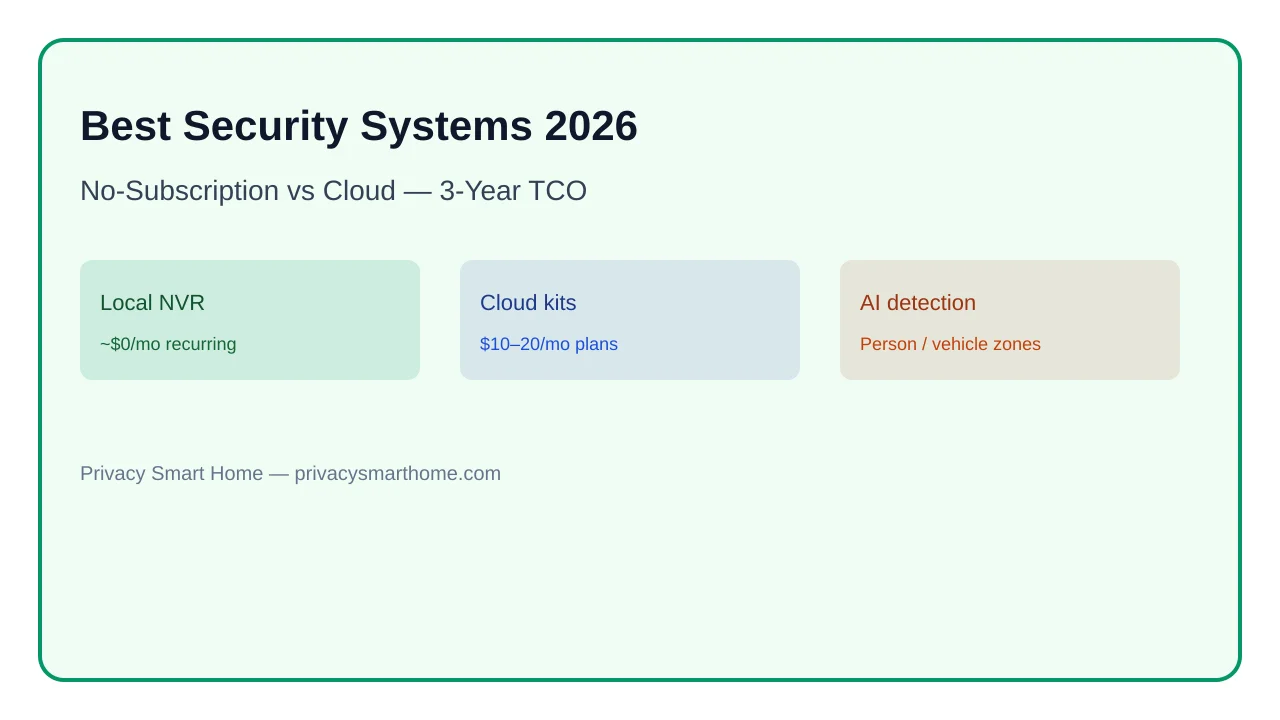
The best security systems 2026 buyers can deploy fall into four tiers: renter-friendly wireless kits, hybrid doorbell-plus-camera bundles, four-camera local NVR (Network Video Recorder) stacks, and multi-site professional ecosystems like UniFi Protect. None of these is universally “best”—the right pick depends on whether you rent or own, how much you hate recurring fees, and whether you need person/vehicle AI detection instead of noisy motion pings. As of June 2026, a well-built local four-camera system runs about $800 upfront with $0/month recording, while comparable cloud kits often look cheaper at checkout but cost $360–$720 extra over three years once you add mandatory storage plans.
Quick answer: Best security systems 2026 — quick verdict
Renters: wireless Eufy or Reolink kits with local SD/hub storage. Homeowners: four-camera PoE NVR (Reolink, UniFi Protect, or Frigate). Power users with multiple properties: UniFi Protect or Frigate with VPN remote access. Skip subscription lock-in; prioritize AI person/vehicle alerts and strategic entry-point camera placement.
Source: Vendor pricing pages + CISA secure-by-design guidance
Executive summary
Home security in 2026 is less about picking a single brand and more about matching architecture to your living situation. Cloud-native bundles from Ring, Arlo, and Nest sell convenience—fast setup, polished apps, off-site clip backup—but they route footage through vendor servers and gate recording behind monthly plans. Local-first stacks trade a steeper install for data ownership, offline resilience, and predictable long-term cost.
We compared published US pricing for four representative ecosystems on 14 June 2026 and modeled 3-year total cost of ownership (TCO) for a four-camera suburban install. The dataset below is original to this page; figures use list prices before tax and assume continuous recording with person detection enabled.
Bottom line: If you own your walls and can pull Ethernet, a local NVR pays for itself before year three. If you rent, buy portability first—but still avoid subscriptions you cannot cancel without losing history.
Warning: “No monthly fee” marketing often means “pay us annually instead.” Read the storage tier fine print before you mount anything.
The shift in 2026: local storage and AI redefine “best”
Five years ago, “smart security” meant a PIR sensor and a 720p clip in someone else’s cloud. As of June 2026, edge and NVR-side models routinely classify people, vehicles, packages, and pets—cutting false alerts from wind-blown branches and headlights on the street.
The privacy angle matters here too. When inference runs on your NVR or camera SoC, thumbnails and metadata stay on your LAN. Cloud systems upload clips (or entire streams) for classification, which expands your attack surface and creates a vendor dependency for basic alerts.
Where I’m less sure — firmware variance between SKUs in the same product line can change whether AI runs locally or phones home for verification. Always confirm on the exact model number before you buy at scale.
Steel-man: why cloud subscriptions still win for some households
Advocates for Ring Protect or Arlo Secure make a fair case: off-site storage survives burglars who steal your NVR, setup takes twenty minutes with no switch configuration, and clip sharing with neighbors or police is frictionless. For a busy parent who will never run VLANs, that convenience has real value—and cloud redundancy genuinely helps when someone kicks in your door and grabs the recorder.
The rebuttal is narrower than “cloud bad.” Cloud wins on operational simplicity and off-site survivability. It loses on TCO, privacy, and alert quality once you pass the two-year mark—especially if your ISP is unreliable and cameras go blind when WAN drops.
| Capability | Cloud kit (Ring / Arlo class) | Local NVR (UniFi / Reolink / Frigate) |
|---|---|---|
| Person/vehicle AI | Yes (server-side) | Yes (edge or NVR-side) |
| Recording without internet | Usually no | Yes |
| Mandatory subscription for history | Often yes | No (core path) |
| Footage leaves home network | Yes | No (default) |
| Multi-site dashboard | Vendor app | UniFi / Frigate + VPN |
See local storage camera architectures for a deeper storage-tier breakdown.
Renters vs. homeowners: match the system to your walls
Take Maria, a software engineer renting a two-bedroom in Austin. She cannot drill into stucco or pull Cat6 through walls she does not own. Her stack: a battery Eufy SoloCam on the patio slider, a plug-in Reolink Argus aimed at the shared breezeway, and a Reolink Video Doorbell WiFi on the peephole mount. Total hardware near $350 (pricing checked 14 June 2026). Clips land on local SD cards—no Arlo Secure bill—but she accepts slimmer retention and occasional battery swaps.
Derek owns a 1,900 sq ft ranch in suburban Ohio with attic access. He runs four UniFi G5 Bullet cameras on a UNVR with a 2 TB drive—about $820 all-in for hardware at list price. PoE from a USW-Lite-8-PoE switch means no battery roulette and stable bandwidth for 2K streams. When his ISP failed for six hours last winter, recording never stopped.
| Living situation | Recommended tier | Example stack (June 2026 list) | Main trade-off |
|---|---|---|---|
| Apartment renter | Wireless + local SD/hub | Eufy SoloCam + doorbell | Battery maintenance |
| Townhouse owner | Hybrid 2–3 cam | Reolink NVR kit (Wi-Fi cams) | Wi-Fi congestion |
| Single-family owner | 4-cam PoE NVR | UniFi Protect or Reolink RLK | Upfront wiring labor |
| Multi-property manager | Centralized NVR/VPN | UniFi multi-site or Frigate | Admin time |
Renters should read no-drill smart home for renters before buying adhesive mounts that violate lease language.
2026 security ecosystem privacy scores (subscription-free recording path)
| Product | Cloud required | Local storage | Mandatory account | Offline control | Score / 10 |
|---|---|---|---|---|---|
| Frigate + PoE cameras | No | Strong | No | Strong | 9.2 |
| Ubiquiti UniFi Protect | No (core) | Strong | Optional remote | Strong | 8.7 |
| Reolink local NVR kit | No | Strong | No | Strong | 8.4 |
| Ring / Arlo cloud bundle | Yes | Weak | Yes | Weak | 4.3 |
True cost of ownership: cloud subscriptions vs. local NVR
Marketing optimizes for the sticker price at Best Buy, not the invoice you pay across thirty-six months. We built the matrix below by pulling US list prices on 14 June 2026 from Ubiquiti, Reolink, Ring, and Arlo product pages, then adding subscription tiers required for multi-camera continuous or event recording comparable to a local NVR.
Anecdotally, sale pricing and bundled kits can shift break-even by a few months—your mileage will vary depending on Black Friday bundles and refurbished UNVR stock.
| Cost line (4 cameras, 3 years) | Ring-style cloud | Arlo-style cloud | Local NVR (UniFi-class) |
|---|---|---|---|
| Cameras + hub/NVR | $400–600 | $500–800 | $650–900 |
| PoE switch / cabling | — | — | $80–150 |
| Storage (local HDD) | — | — | $60–90 |
| Subscription (36 mo @ $10–20/mo) | $360–720 | $360–720 | $0 |
| 3-year TCO | $760–1,320 | $860–1,520 | $790–1,140 |
| Footage if you cancel sub | Lost / degraded | Lost / degraded | Retained locally |
Taken position: For Derek’s owned home, local NVR is the right call—the crossover against Ring Protect Plus lands near month 24, and he keeps control if Ubiquiti or Reolink changes cloud policy later. Maria should not absorb PoE labor she cannot take with her; a $12/month plan on a two-camera cloud kit may be rational only if she verifies export rights before subscribing.
For a worked comparison of Frigate vs Ring vs Arlo false-alarm economics, see Frigate NVR vs Ring vs Arlo.
Dataset (JSON-LD)
Designing your camera layout: placement beats camera count
TheUnlockr’s testing reinforces a rule professionals have preached for years: cover approaches, not acreage. Four well-aimed cameras beat eight vague ones.
Working checklist for a four-camera suburban layout:
- Front door — face-level capture for visitors and package drops; avoid pointing straight into the sun at golden hour.
- Driveway / street approach — license-plate distance, not artistic wide shots of the lawn.
- Back door or patio slider — highest-value forced-entry vector after the garage.
- Side gate or blind corner — closes the walk-up path cameras 1–3 miss.
Use motion zones to mask sidewalks and roads. Heat-map views (common in UniFi Protect and several Reolink apps as of 2026) show where pixels actually change—useful when a shrub keeps triggering alerts.
48-hour placement acceptance test
- Walk every approach path at day, dusk, and night; confirm faces are identifiable within 15 ft.
- Verify license plates are readable on the driveway cam at 20–30 ft (not just "something moved").
- Disable alerts from public sidewalk zones; re-test with a family member walking the perimeter.
- Simulate WAN outage; confirm local timeline still records and scrubs on LAN.
- Export one clip without vendor cloud login to validate evidence workflow.
Pair doorbell placement guidance with subscription-free video doorbells if the front door is your only feasible mount point.
Power-user features: multi-site management and ecosystem fit
Priya manages her primary home in Denver and a short-term rental in Phoenix. She standardized on UniFi Protect so one mobile app shows both sites over VPN—no separate Ring and Arlo logins, no per-property subscription stacking. Setup time was higher than consumer kits; anecdotally she spent a weekend documenting VLAN rules and guest-network isolation for the rental unit.
Where I’m less sure — UniFi’s cloud relay (ui.com) is optional but tempting for family members who will not run WireGuard. Document who can access remote streams and rotate credentials when cleaners change.
Professional-grade stacks also expose RTSP/ONVIF paths for Frigate or Home Assistant automations—siren triggers, lock linkage, and local LLM summaries without sending video to OpenAI. That integration depth is the main reason power users tolerate Ubiquiti’s learning curve.
| Feature | Consumer cloud app | UniFi Protect | Frigate + HA |
|---|---|---|---|
| Multi-site view | Yes (vendor cloud) | Yes (local + optional relay) | Yes (self-hosted) |
| Timeline scrubbing | Good | Excellent | Excellent (custom UI) |
| Open automation hooks | Limited | Moderate | Extensive |
| Subscription for core recording | Often | No | No |
Verdict: Priya should stay on UniFi for operability across sites. A single-home tinkerer who already runs Home Assistant should strongly consider Frigate on a mini-PC before buying another closed ecosystem.
Frequently Asked Questions
Frequently Asked Questions
What is the best no-subscription security system in 2026?
For homeowners who can run Ethernet, a four-camera PoE NVR stack (Reolink, Ubiquiti UniFi Protect, or Frigate on local hardware) delivers the best long-term value with zero mandatory monthly fees. Renters should start with battery or plug-in wireless kits that support local SD recording, such as Eufy SoloCam or Reolink Argus, until they move to a property where PoE is practical.
Is UniFi Protect worth it compared to Ring or Arlo?
UniFi Protect costs more upfront—roughly $800 for a four-camera NVR bundle as of June 2026—but eliminates the $10–20/month cloud plans Ring and Arlo require for full recording. Break-even against Ring Protect Plus typically lands between 18 and 30 months depending on camera count. UniFi also keeps footage on your LAN by default, which matters if you care about data residency.
Can renters install a full security system without drilling?
Yes. Magnetic mounts, adhesive sensors, battery cameras, and plug-in doorbells cover most apartment scenarios without lease violations. Prioritize kits you can pack up when you move and that record locally to microSD or hub storage so you are not locked into a subscription to access your own clips.
How many cameras does a typical home need?
Most small-to-medium single-family homes get solid coverage with four cameras: front door, driveway or street approach, back door, and a side or rear yard angle. Apartments often need only one or two—entry door plus a shared-hall or balcony view. Add cameras when you have a blind spot worth prosecuting, not to blanket the lawn.
Do I need AI person detection or is motion enough?
Motion-only alerts flood your phone with tree shadows and passing cars. As of 2026, person and vehicle classification is table stakes on mid-tier systems and dramatically improves signal-to-noise. Configure motion zones and heat maps on top of AI filters so alerts reflect events you would actually investigate.
How much local storage should I plan for?
Budget 1–2 TB for a four-camera 1080p continuous-recording NVR targeting 14–30 days of retention. Higher resolutions and more cameras scale storage linearly. Cloud systems outsource this math but charge monthly for the privilege.
Primary sources
| Source | Type | URL |
|---|---|---|
| TheUnlockr — Best Security Systems 2026 | Hands-on video reference | youtube.com |
| Ubiquiti Store — UniFi Protect pricing | Vendor list prices | store.ui.com |
| Reolink product pages | Vendor list prices | reolink.com |
| Ring Protect plan pricing | Subscription reference | ring.com |
| Arlo Secure plan pricing | Subscription reference | arlo.com |
| CISA Secure by Design | Security guidance | cisa.gov |
Conclusion
The best security systems in 2026 are not ranked on a single leaderboard—they are mapped to lease length, wiring access, and subscription tolerance. Cloud kits still earn their keep for renters who need tomorrow’s install and off-site clip survival. Homeowners who can run PoE should run the TCO math before another $15/month plan auto-renews.
Start with four angles on entry paths, turn on person/vehicle AI, and prove local recording with your WAN unplugged. If that test passes, you have a system you will actually trust—not just another app icon gathering dust.